Knowledge Management
Project timeline : 2024
Company : Hôpital du Valais
Team : 1 UX designer, 1 Product Owner, Support representatives
Responsabilities :
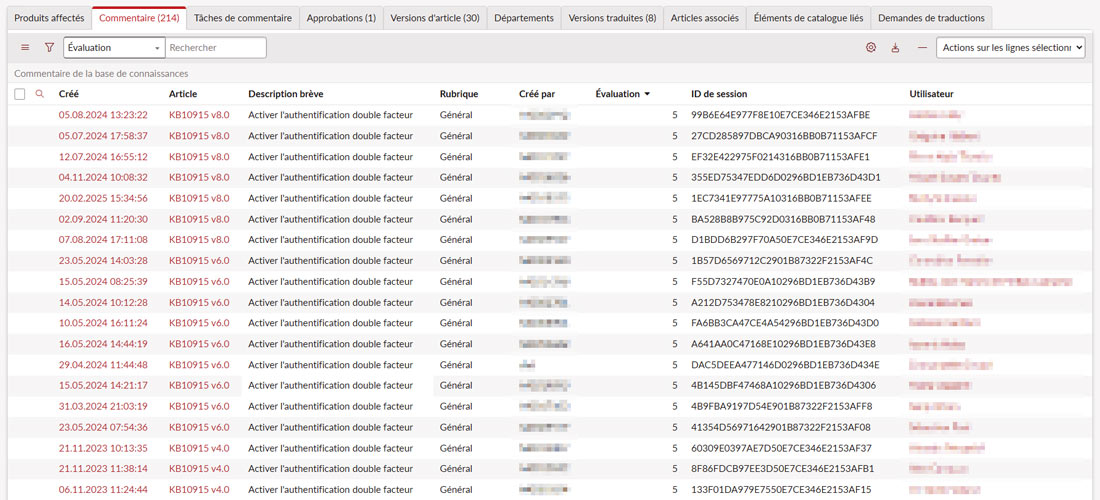
- Analyzed Knowledge Base usage statistics to understand templates, content structure, and adoption
- Defined best practices and guidelines for writing and structuring KB articles
- Improved visual consistency and readability of articles through CSS and HTML adjustments
- Worked closely with ServiceNow administrators and support representatives
- Tested Knowledge Base rendering on desktop and Now Mobile
Problem & Context
The Knowledge Base contained a large number of articles, but many of them were not effectively helping end users. Users often struggled to find clear answers or to complete tasks based on the available documentation, leading to repeated support requests and unnecessary friction.
Key issues included:
- Articles written with inconsistent structure and tone, making them hard to understand and follow
- Titles and content that did not clearly reflect the user’s problem or intent
- Screenshots and step-by-step explanations that varied widely in quality and presentation
- Knowledge articles not always aligned with how users actually interact with catalog items and services
The objective was to improve the usefulness of Knowledge Base articles for end users, ensuring that content was clear, consistent, actionable, and aligned with real user needs, while remaining sustainable for support teams to maintain.
Process
1. Usage Analysis & Assessment
- Analyzed KB usage data to identify commonly used templates and patterns
- Identified inconsistencies in titles, tone, screenshots, and formatting
- Highlighted improvement areas with the highest impact
2. Guidelines & Content Structure
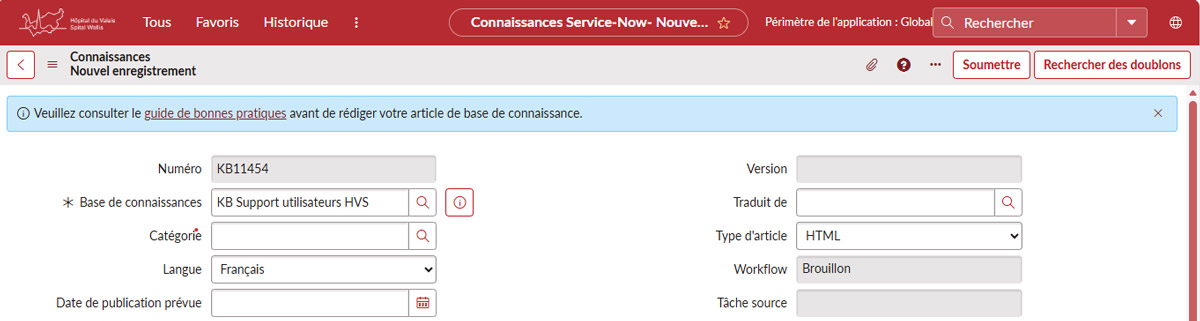
- Designed a practical Knowledge Base authoring guide to support content creators
- Defined best practices for:
- article titles focused on end-user questions
- consistent tone and wording
- use of templates, headings, and metadata (keywords)
- Addressed common authoring issues
- Embedded the guide directly into the Knowledge authoring flow, allowing contributors to access best practices while writing articles
3. UI & Technical Improvements
- Improved article layout using CSS and HTML to ensure:
- consistent typography and spacing
- responsive images
- readable tables and content blocks
- Automated formatting rules for:
- images
- tables
- HTML fields
4. Mobile Testing & Validation
- Tested Knowledge Base consultation on mobile devices
- Identified limitations on Now Mobile
- Adapted layouts to ensure best possible readability across devices
Deliverables
- Standardized Knowledge Base guidelines for article structure, tone, titles, and visuals
- Improved visual and structural consistency across Knowledge Base articles
- Highly consulted articles with strong adoption after improvements
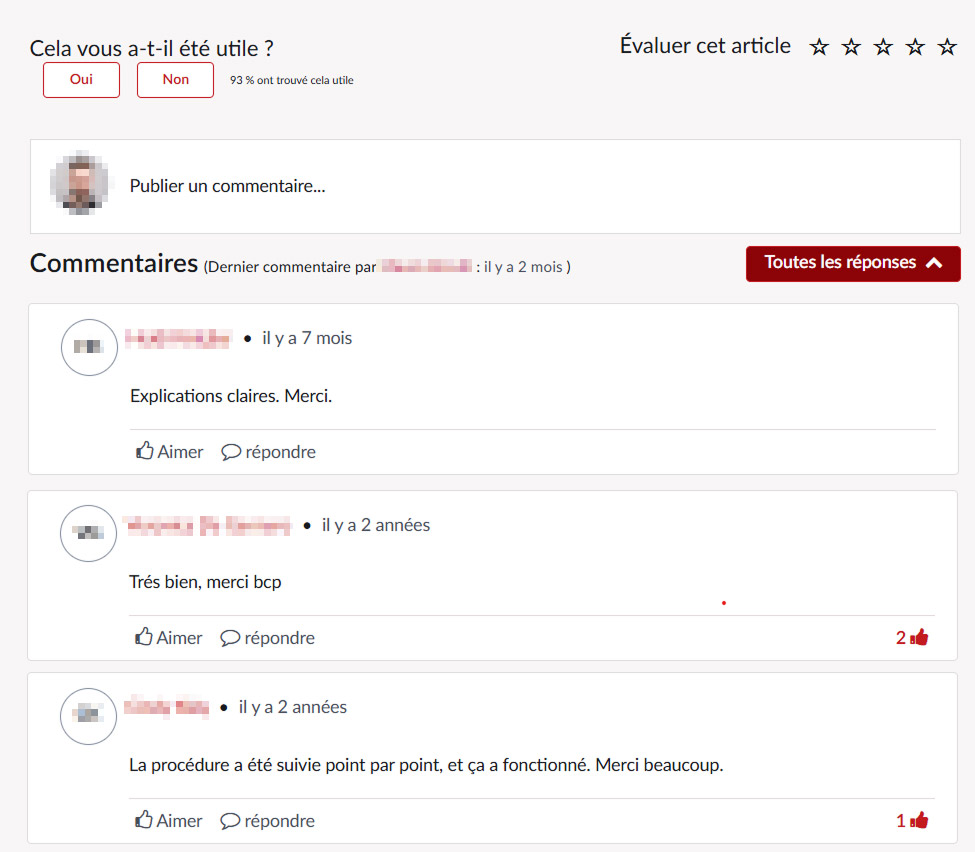
- Articles receiving excellent user ratings, confirming their usefulness and clarity
- Reduced friction for end users and better self-service efficiency